---
marp: true
theme: acarp-beamer
style: |
:root {
--logo-image: url('acarp.png');
--logo-width: 120px;
--logo-height: 120px;
}
---
# Academic Marp Theme
Beamer Style (4:3)
## Classic academic format

---
## Overview
A minimal, grid-based setup for Marp presentations:
- **Classic 4:3 aspect ratio** - Traditional academic format
- **Grid-only layouts** - No flexbox, no utility classes
- **Equation-friendly** - More vertical space for math
- **Academic focus** - Optimized for technical content
---
### Key Features
**Beamer-Style Design**
- 4:3 aspect ratio (1280x960)
- More vertical space
- Traditional academic format
- Perfect for equations
**Grid-Based Layouts**
- CSS Grid for all layouts
- Explicit grid contracts
- No hidden behaviors
- Maintainable structure
---
## Mathematical Content
The TF-IDF model for term weighting:
$\quad \text{tf-idf}(t, d, D) = \text{tf}(t, d) \times \text{idf}(t, D)$
Where term frequency is:
$\quad \text{tf}(t, d) = \frac{f_{t,d}}{\sum_{t'\in d} f_{t',d}}$
And inverse document frequency:
$\quad \text{idf}(t, D) = \log \frac{|D|}{|\{d \in D : t \in d\}|}$
The 4:3 format provides better vertical space for multi-line equations.
```bash
# Build presentation
marp --theme acarp-beamer demo.md
# Watch for changes
marp --theme acarp-beamer --watch demo.md
# Export to PDF
marp --theme acarp-beamer --pdf demo.md
```
---
## Layout Patterns
**Default Layout** - Single column, ideal for equations
**Title Layout** - Classic academic opening
**Vertical Flow** - Natural reading order for academic content
The beamer style emphasizes vertical flow over side-by-side comparisons.
---
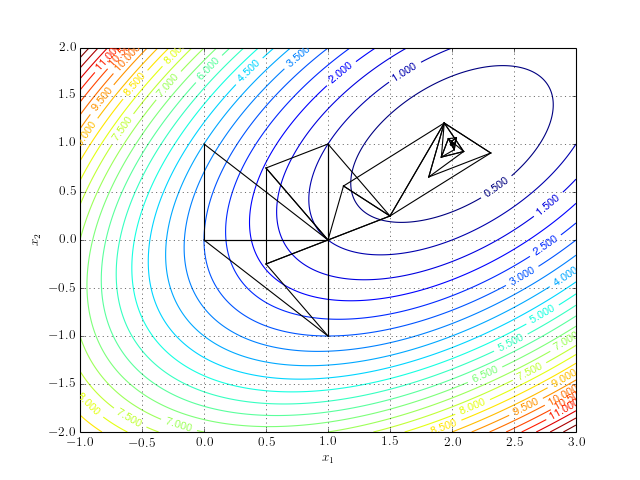
### Performance Analysis
Traditional approaches to presentation layouts:
- Complex positioning systems
- Flexbox with numerous overrides
- Utility classes with cascade issues
Our grid-only approach provides:
- Clear, predictable structure
- No positioning hacks
- Easy maintenance and debugging
---
## Getting Started with Beamer
1. Install dependencies: `npm install`
2. Create your markdown file
3. Add `theme: acarp-beamer` in frontmatter
4. Write your academic content
5. Build with: `marp --theme acarp-beamer file.md`
The beamer theme automatically applies the 4:3 aspect ratio.
---
## Vertical Spacing
Use spacing utilities for better content flow in the beamer format:
Small vertical space (1em)
Medium vertical space (2em) - good for section breaks
Large vertical space (3em) - for major separations
---
## Spacing Examples
```python
def calculate():
result = 42
return result
```
The function returns a simple value.

Images can have custom spacing too.
---
## Thank You
This theme provides a clean, academic-focused foundation in the traditional beamer format.
Perfect for:
- Conference presentations
- Academic lectures
- Technical seminars
- Research presentations